Rapid ingestion
Paste text or add text, Markdown, CSV, and JSON files. Convert PDFs before upload so source evidence stays inspectable.
Compliance console
Quick audit
Upload technical evidence. Agent Mai estimates risk, maps gaps, and returns a report legal and engineering can act on.
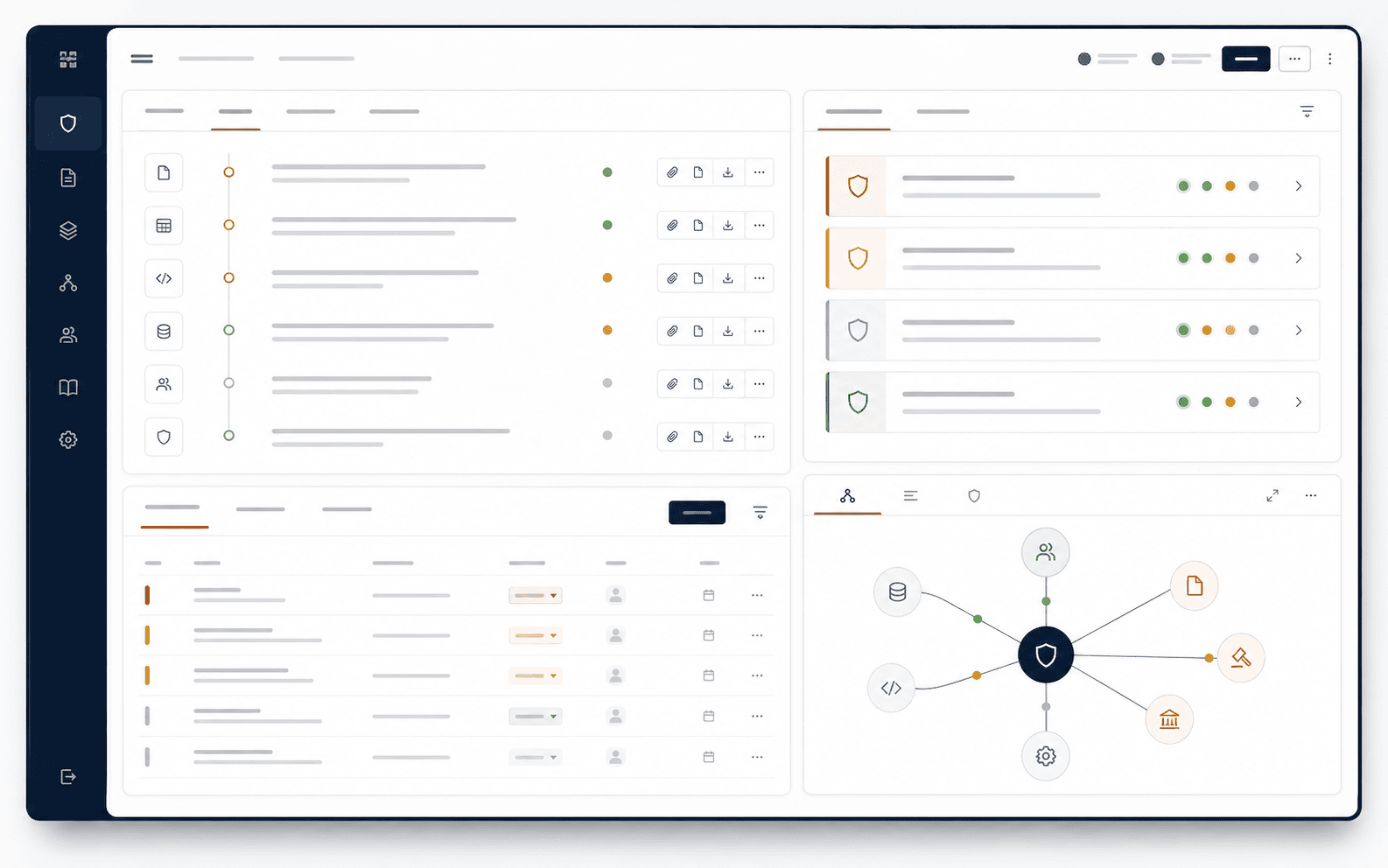
Designed for speed without hiding assumptions — every output cites the evidence slice it relied on.
Paste text or add text, Markdown, CSV, and JSON files. Convert PDFs before upload so source evidence stays inspectable.
Heuristic alignment to high-risk categories and documentation depth checks against Annex IV-style completeness.
Use Mai Cloud or a configured Vault-compatible endpoint. Unconfigured modes are visibly labeled as heuristic previews.
Each finding includes severity, suggested owner discipline, and draft language you can edit before submission.
Outputs reference technical artifacts — data lineage hints, evaluation caveats, and monitoring hooks.
Jump to the integrity report, Annex IV composer, or prohibited-practice scan from the same navigation shell.
Audit sequence
Structure a working technical-documentation draft aligned with Annex IV sections for your internal review.
Open workflowCreate scoped organization keys for CI/CD and scheduled audit workflows.
Manage API keysInterpretation targets EU AI Act Art. 11 and Annex IV documentation completeness — always confirm with counsel.
After the run, share the JSON or PDF with security and legal, then track remediation in your existing PM tools.